Creating a home office that feels cozy and encourages productivity can make a significant difference in your work-from-home experience. A well-designed workspace improves focus, reduces stress, and helps maintain a healthy work-life balance. Whether you have a dedicated room or just a corner in your living space, these tips will help you create an office environment that suits your needs and style.
Choose the Right Location
Find a Quiet Spot
Start by selecting a spot in your home that limits distractions. This could be a spare room, a quiet corner in your bedroom, or even a nook in the living room. Ideally, this space should be away from heavy foot traffic and noisy areas.
Consider Natural Light
Natural light not only brightens your space but also improves mood and energy levels. Position your desk near a window if possible to take advantage of daylight. If that’s not an option, use daylight-simulating bulbs to create a similar effect.
Prioritize Comfort
Invest in a Good Chair
Your chair is one of the most important pieces of furniture in your home office. Choose an ergonomic chair that supports your back and encourages good posture to prevent discomfort during long work hours.
Select a Functional Desk
Pick a desk that fits your space and needs. Whether it’s compact with storage or large enough to spread out, make sure it provides enough room for your computer, documents, and any other essentials.
Manage Temperature and Ventilation
Ensure your workspace is well-ventilated and at a comfortable temperature to avoid distractions caused by being too hot or cold.
Organize Your Workspace
Declutter Regularly
Keep your desk tidy by removing unnecessary items. A clutter-free environment can help clear your mind and increase focus.
Use Storage Solutions
Incorporate shelves, drawers, and organizers to store documents, stationery, and gadgets. Labeling storage containers can make finding items easier and save time.
Cable Management
Tidy up cables using clips, sleeves, or boxes to prevent tangling and create a neater appearance.
Add Personal Touches
Incorporate Plants
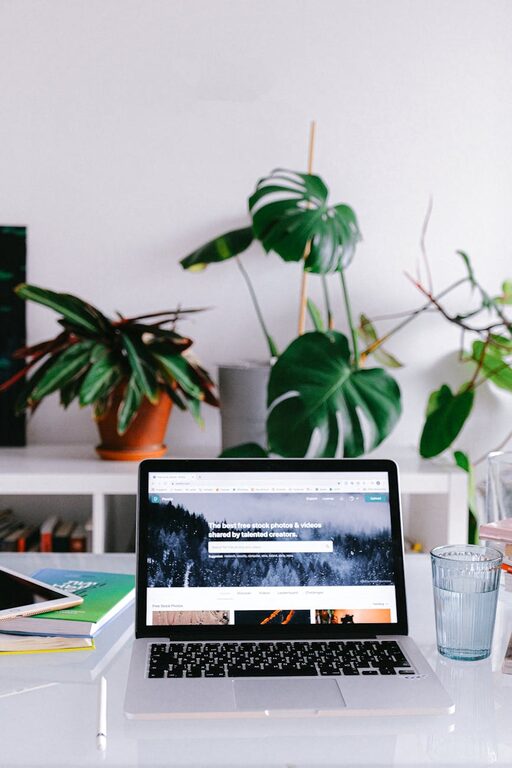
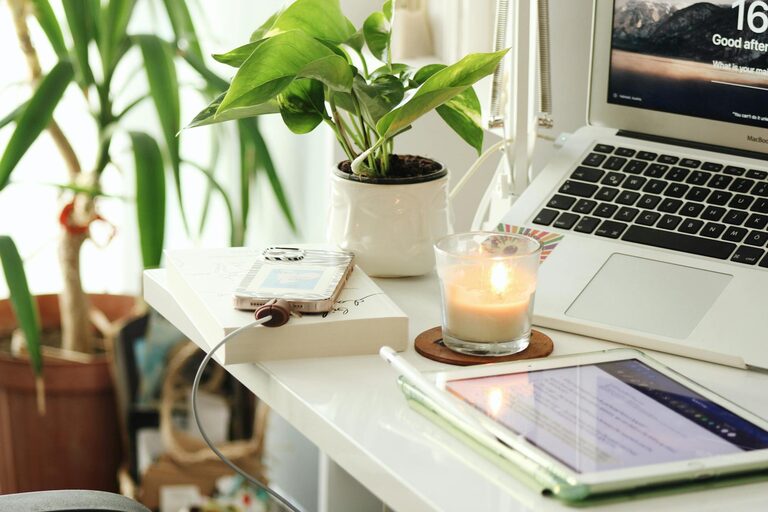
Adding greenery not only beautifies your space but can also improve air quality and reduce stress levels.
Display Inspiring Items
Place a few objects that motivate you, such as photos, artwork, or quotes, to create a positive atmosphere.
Use Soothing Colors
Choose calming colors like soft blues, greens, or neutrals for your walls and décor to help you feel relaxed and focused.
Optimize Lighting
Layered Lighting
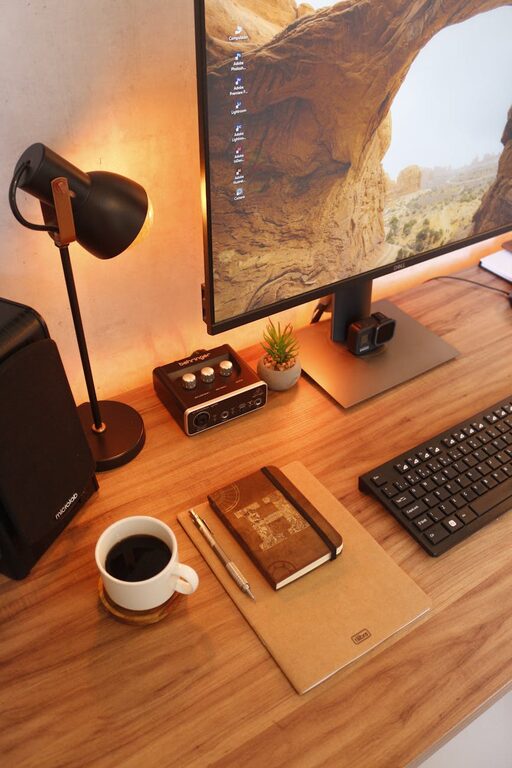
Combine ambient lighting with task lighting to ensure your workspace is well-lit throughout the day and evening. A desk lamp with adjustable brightness can be very helpful.
Avoid Screen Glare
Position your monitor to minimize glare from windows or lights, which can strain your eyes.
Establish Boundaries and Routine
Define Office Hours
Set specific working hours to maintain a clear distinction between work time and personal time, which helps prevent burnout.
Create a “Start Work” Ritual
Develop a simple routine like making a cup of coffee or a short stretch to signal the beginning of your workday, helping you switch into productivity mode.
Use Technology Wisely
Choose the Right Tools
Equip your office with reliable technology such as a high-speed internet connection, a quality headset, and software that meets your work requirements.
Minimize Distractions
Utilize apps or browser extensions that block distracting websites during work hours to keep you focused.
Take Breaks and Move
Schedule Short Breaks
Regular breaks help refresh your mind and reduce fatigue. Use the time to stretch, walk around, or practice deep breathing.
Set Up a Stretching Area
If space allows, designate a corner for quick exercises or stretching routines to stay active throughout the day.
—
Creating a cozy and productive home office is about balancing comfort with efficiency. By carefully selecting your space, investing in ergonomic furniture, organizing thoughtfully, and personalizing your environment, you can make your home office a place where you enjoy working and accomplish your goals. Remember, small adjustments can have a big impact on your overall work-from-home experience.
About the Author