Creating a comfortable and clutter-free home office space can significantly boost your productivity and reduce stress during the workday. Whether you work remotely full-time or just occasionally, having an organized workspace helps maintain focus and efficiency. Here are some simple yet effective tips to help you organize your home office and keep it clutter-free.
1. Start with a Clear-Out
Before organizing, take the time to declutter your space. Remove everything from your desk, shelves, and drawers. Sort items into three piles:
– Keep: Items you use regularly and need at your workspace
– Store: Items used occasionally but don’t need daily
– Discard or Donate: Broken, outdated, or unnecessary items
Getting rid of unnecessary clutter is the foundation of a clean and functional office.
2. Choose the Right Furniture
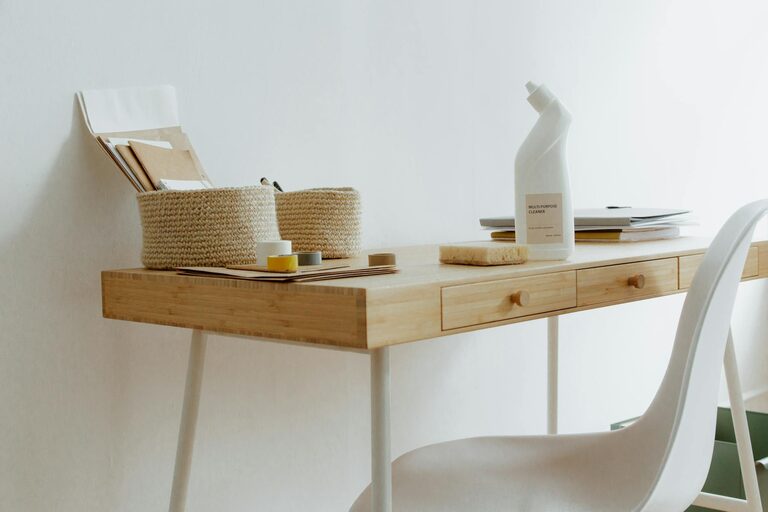
Select furniture that fits your space and meets your needs. A desk with built-in drawers or shelves provides extra storage without taking up more room. If your space is limited, consider multi-functional furniture like a desk with file storage or wall-mounted shelves to maximize vertical space.
3. Use Storage Solutions Wisely
Organizing supplies, documents, and gadgets into designated containers keeps your space tidy. Here are some ideas:
– Drawer organizers: Keep pens, paperclips, and small items sorted.
– File holders or cabinets: Store paperwork and important documents neatly.
– Boxes and bins: Use matching containers to group similar items. Clear containers help identify contents quickly.
– Cable management: Use clips, ties, or sleeves to prevent cords from tangling and cluttering your desk.
4. Designate Zones for Different Tasks
Create specific areas for various activities to improve workflow:
– Work zone: Your desk area, including your computer, keyboard, and essential tools.
– Reference zone: Shelves or filing systems for books, manuals, and documents.
– Supply zone: Containers or drawers with stationery and office supplies.
Having clear zones makes it easier to find items and keeps everything in its place.
5. Keep Daily Essentials Within Reach
Place items you use every day close to you. This might include your computer mouse, planner, or a cup for pens. Less frequently used items should be stored further away but still accessible.
6. Manage Paperwork Effectively
Paper clutter is one of the biggest challenges in home offices. Consider these best practices:
– Go digital whenever possible by scanning documents and storing them on your computer or cloud storage.
– Use a simple system of folders to categorize physical papers (e.g., “To Do,” “Invoices,” “Receipts”).
– Regularly review your files and recycle or shred papers that are no longer needed.
7. Personalize Without Cluttering
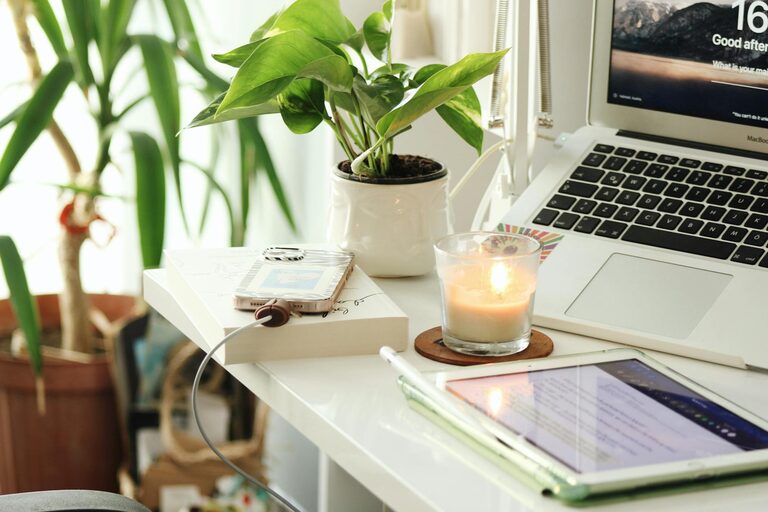
Adding personal touches, like photos or small plants, can make your space inviting. However, keep decorations minimal and organized so they don’t overwhelm your workspace.
8. Set a Daily Tidying Routine
Spend 5–10 minutes at the end of each workday to tidy your desk and organize any loose items. This habit prevents clutter from building up and keeps your office ready for the next day.
9. Optimize Lighting
Good lighting improves focus and reduces eye strain. Position your desk near a window if possible for natural light. Add task lighting, such as a desk lamp with adjustable brightness, to brighten your workspace on darker days.
10. Use Labels for Easy Identification
Label drawers, boxes, and folders so everything can be found quickly. Clear labeling keeps the organization system consistent and helps others who might use your office.
—
Final Thoughts
Organizing a clutter-free home office doesn’t have to be complicated. By clearing out unnecessary items, using smart storage solutions, and maintaining simple routines, you can create a workspace that supports productivity and comfort. Remember, the key to lasting organization is consistency — take small steps each day to keep your office neat and inspiring. Happy organizing!
About the Author