Creating a comfortable and organized home workspace is key to staying productive and maintaining a clear mind throughout your workday. Whether you’re working remotely full-time or just need a dedicated spot for occasional tasks, a well-designed workspace can improve focus, reduce stress, and keep you motivated. This post will guide you through practical tips to make your home office inviting and neat, so you can work better and feel good doing it.
Why an Inviting and Organized Workspace Matters
Before diving into tips, it’s helpful to understand why workspace design matters. A cluttered or uncomfortable area can lead to distractions, fatigue, and decreased efficiency. On the other hand, an organized, welcoming environment encourages consistent routines, minimizes interruptions, and supports both physical and mental well-being.
Choosing the Right Location
Find a Quiet Corner
Pick a spot in your home with minimal noise and foot traffic. A quiet space helps you concentrate and avoids constant distractions.
Consider Natural Light
If possible, set up near a window. Natural light boosts mood and energy, and it reduces eye strain compared to artificial lighting.
Mind the Temperature and Ventilation
Choose a well-ventilated area that stays comfortable throughout the day. Being too hot or cold can impair focus and motivation.
Designing Your Workspace for Comfort
Invest in an Ergonomic Chair and Desk
Comfortable seating is crucial. Look for a chair that supports your lower back with adjustable height and backrest. Your desk should be at a height that allows your arms to rest comfortably while typing or writing.
Proper Screen Positioning
Position your computer screen at eye level and about an arm’s length away to reduce neck and eye strain.
Add Personal Touches
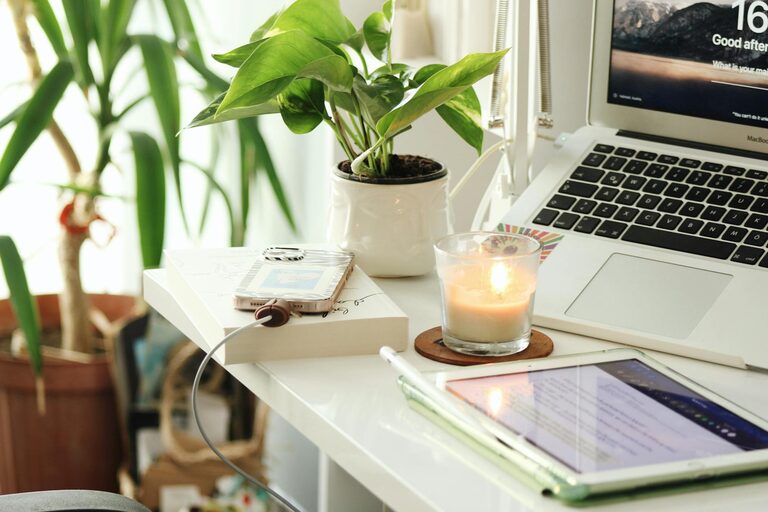
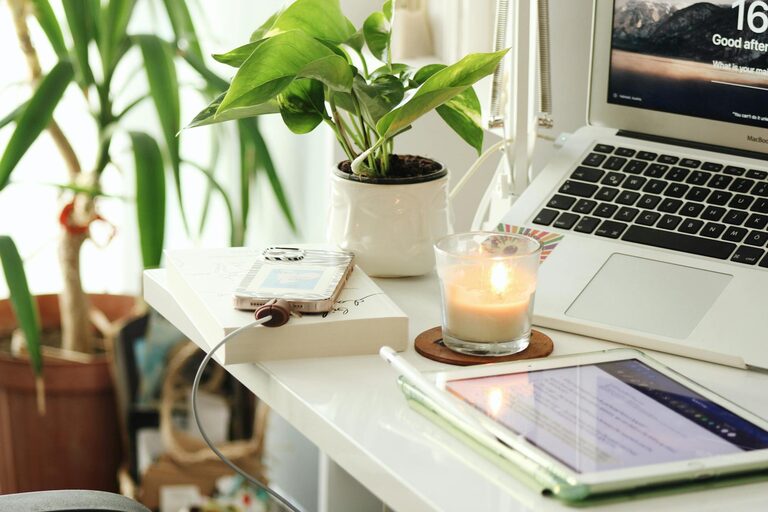
Decorate with items that inspire you, such as plants, photos, or artwork. These personal touches make the space inviting without causing clutter.
Organizing Your Workspace Efficiently
Declutter Regularly
Remove unnecessary items from your desk daily or weekly. A clear surface helps you think clearly and reduces distractions.
Use Storage Solutions
Use drawers, shelves, or filing cabinets to organize papers and supplies. Label containers to find things quickly and keep everything in its place.
Keep Essential Items Within Reach
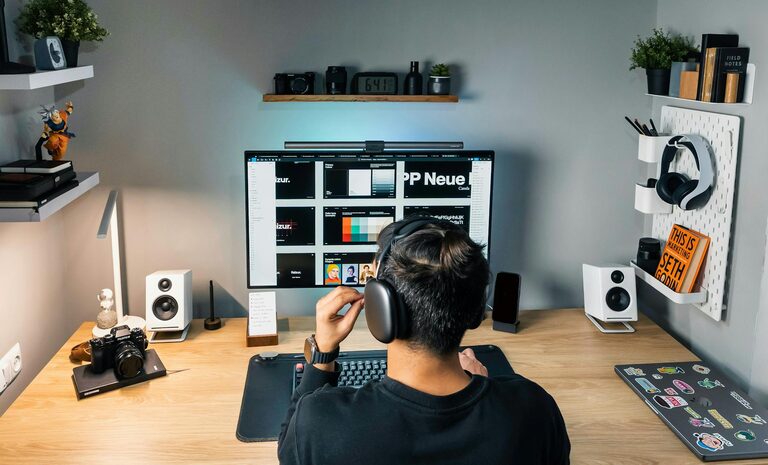
Organize your most-used items, like pens, notebooks, or chargers, close to your workstation to avoid wasting time searching.
Lighting Tips to Reduce Eye Strain
Combine Natural and Artificial Light
Balance daylight with a good quality desk lamp. Avoid overhead lights that create glare on your screen.
Use Adjustable Lighting
A lamp with adjustable brightness can help you customize lighting based on the time of day and your tasks.
Establishing Boundaries and Routine
Define Work Hours
Set specific work hours to avoid overworking and signal to those at home when you shouldn’t be disturbed.
Create Transition Routines
Start and end your workday with rituals like stretching, tidying your desk, or going outside. This helps your brain switch modes between work and personal time.
Incorporating Breaks and Movement
Schedule Short Breaks
Take brief breaks every hour to rest your eyes and move your body. Simple stretches or short walks improve circulation and reduce fatigue.
Include Movement-Friendly Layout
If space allows, create an area where you can stand or do light exercises to break long periods of sitting.
Technology Tips for Smooth Workflow
Manage Cable Clutter
Use cable organizers, clips, or ties to keep cords neat and prevent tangling.
Reliable Internet and Equipment
Ensure you have a stable internet connection and functional hardware to avoid interruptions during work.
Use Productivity Tools
Consider apps or planners that help you track tasks and deadlines efficiently.
Maintaining Your Workspace Over Time
Schedule Weekly Cleanups
Set a weekly time to clean and reorganize your workspace to prevent clutter buildup.
Update as Needed
Adjust your setup as your needs change. This might include upgrading equipment or rearranging furniture for better comfort.
—
Creating a home workspace that is both inviting and organized doesn’t require a complete overhaul. Start with manageable tweaks and focus on comfort, function, and personal inspiration. A thoughtfully designed space will help you stay productive and comfortable, making your work-from-home experience more enjoyable.
About the Author